
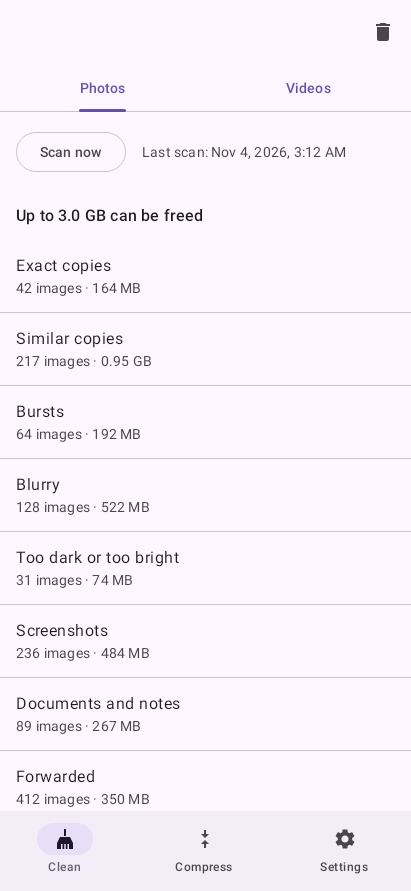
Photos: what it finds
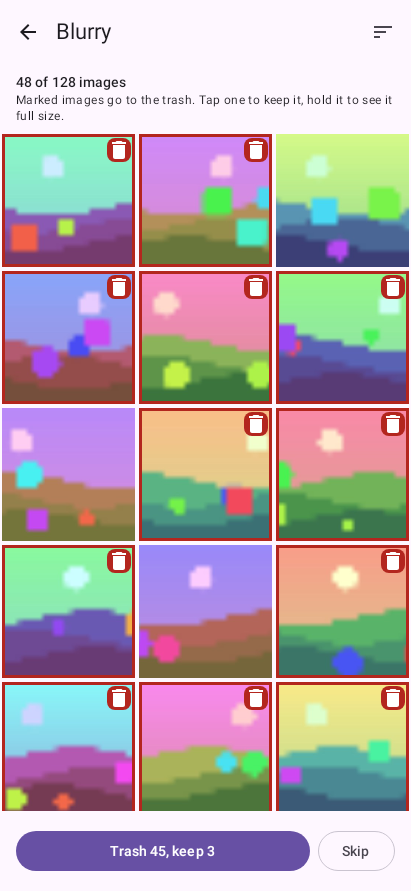
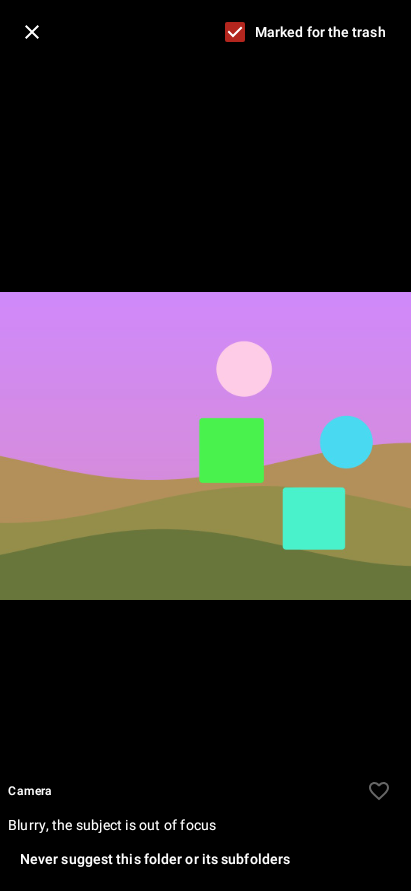
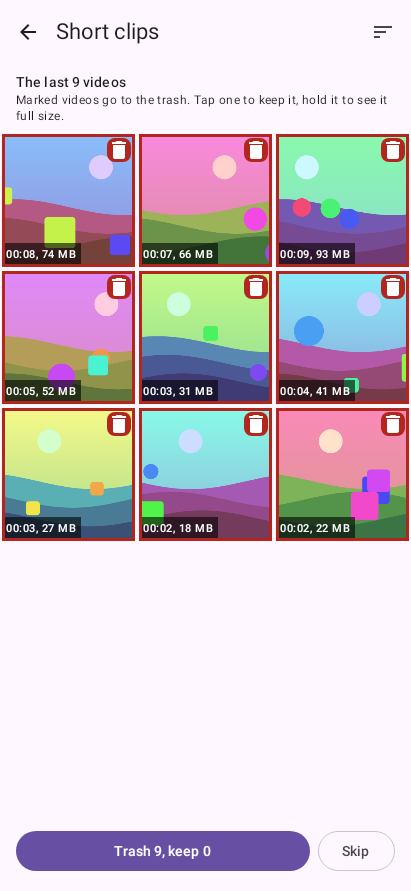
Anteater scans your storage, including folders that gallery apps skip, such as WhatsApp's. The Photos tab of Clean lists nine categories. A category opens into a grid with the suggested photos already marked. Tap one to keep it, hold it to see it at full size and why it was flagged, and press the button under the grid to move the marked ones to the trash.
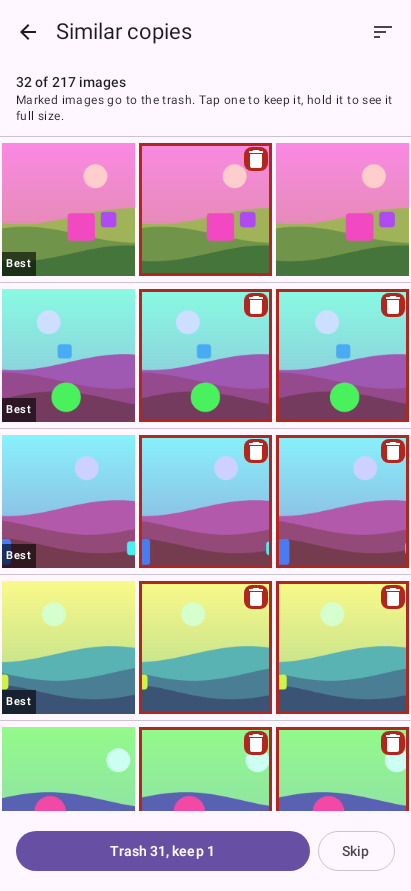
Exact copies, similar copies and bursts open as groups. Anteater picks the best copy and shows it beside the others, and you can change which one stays.
Videos
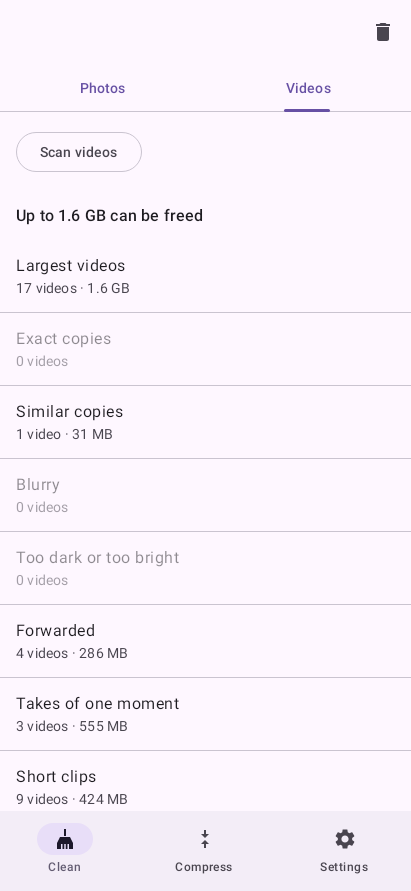
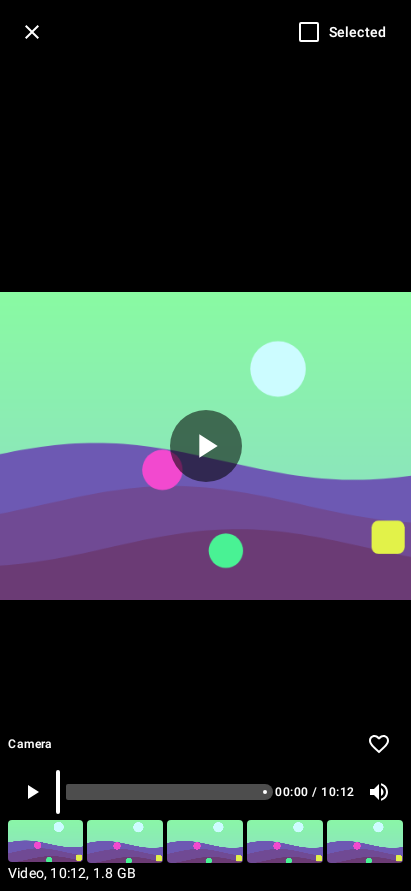
The Videos tab has its own Scan videos button, its own counts and its own total. A video tile shows a frame, the length and the size, and holding it opens the video in the app with a strip of frames to jump to. Large videos come first.
Photo compression
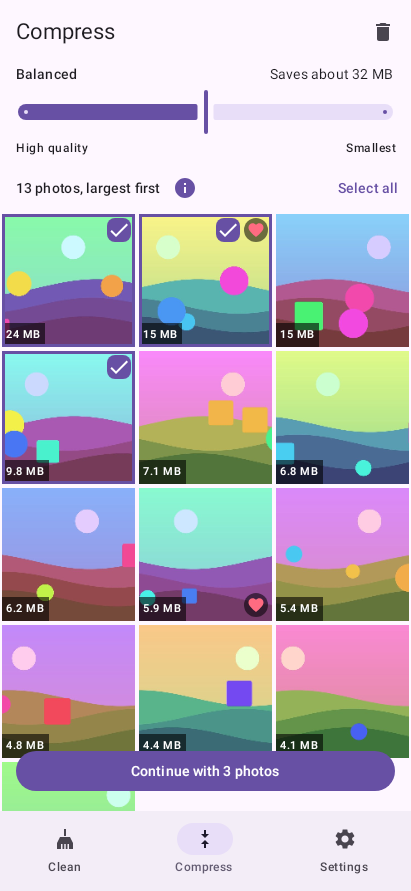
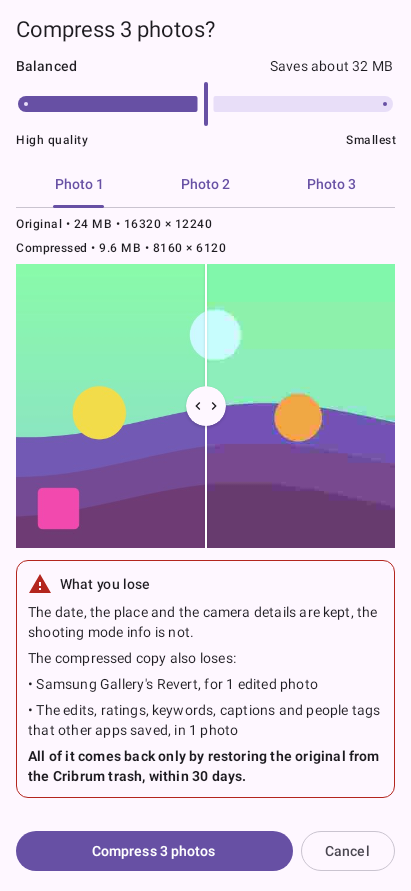
The Compress tab recompresses large camera JPEGs instead of deleting them. It lists photos, largest first, and selects none.
What happens to your files
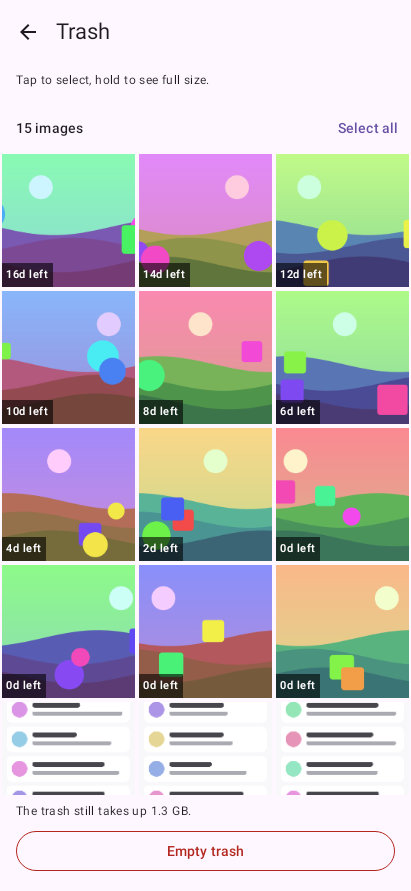
Nothing is deleted without your confirmation. Files you remove go to a trash folder on the phone, and you can restore them until the retention ends, 30 days by default.
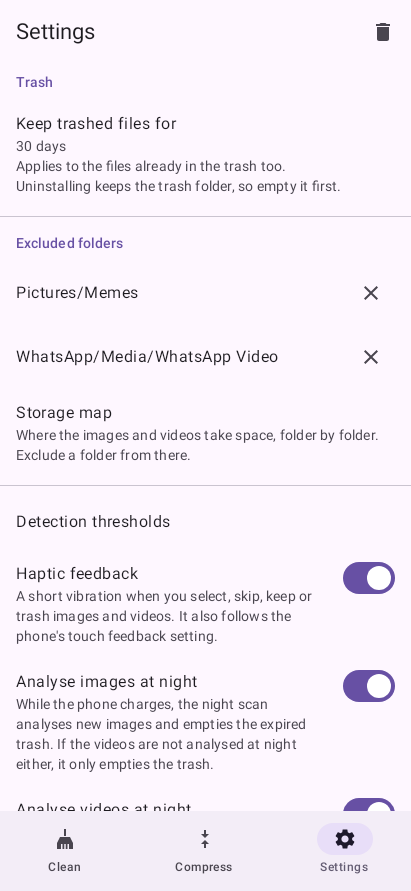
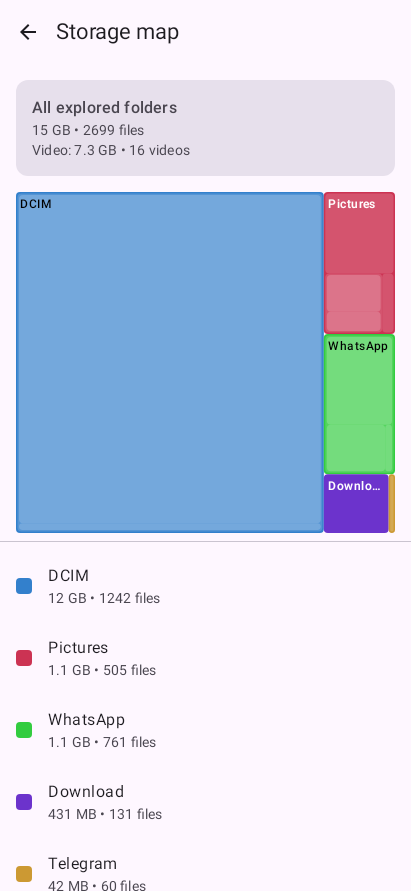
Settings and storage map
What to expect
Permissions
Gallery apps only see the folders Android indexes, and skip folders with a .nomedia file, such as WhatsApp's sent media. Anteater asks for All files access, so it can read those folders and manage its trash.
Google Play allows that permission only for a few kinds of apps, such as file managers, so Anteater is a direct APK download on GitHub. The app has no network permission, so it cannot send anything anywhere.
Install
-
1
Download the APK
Get the latest release from the GitHub releases page. To check the download, compare its SHA-256 digest:
sha256sum -c *.apk.sha256 -
2
Allow unknown apps
Open the downloaded file. When Android asks to allow installs from your browser or file manager, confirm.
-
3
Grant storage access
On first launch, Android sends you to a system screen. Turn on All files access for Anteater.
-
4
Scan and review
Tap Scan now for photos and Scan videos for videos. After that, Anteater also scans new files once a night while the phone charges. Then open a category to review it, or recompress large photos from the Compress tab.
Source code and license
Anteater is free software under the GNU General Public License v3.0. The source, the technical details and the design notes are on GitHub: https://github.com/Bert0ns/anteater